
Benefits:
Limited Time Offer (22nd Dec to 31st Dec only)!
Eam up to ₹820° per account
Base payout: ₹600 per account
Open 10+ accounts: extra ₹100 per account
Elite Partners: extra ₹120 (20% extra)
Account Highlights
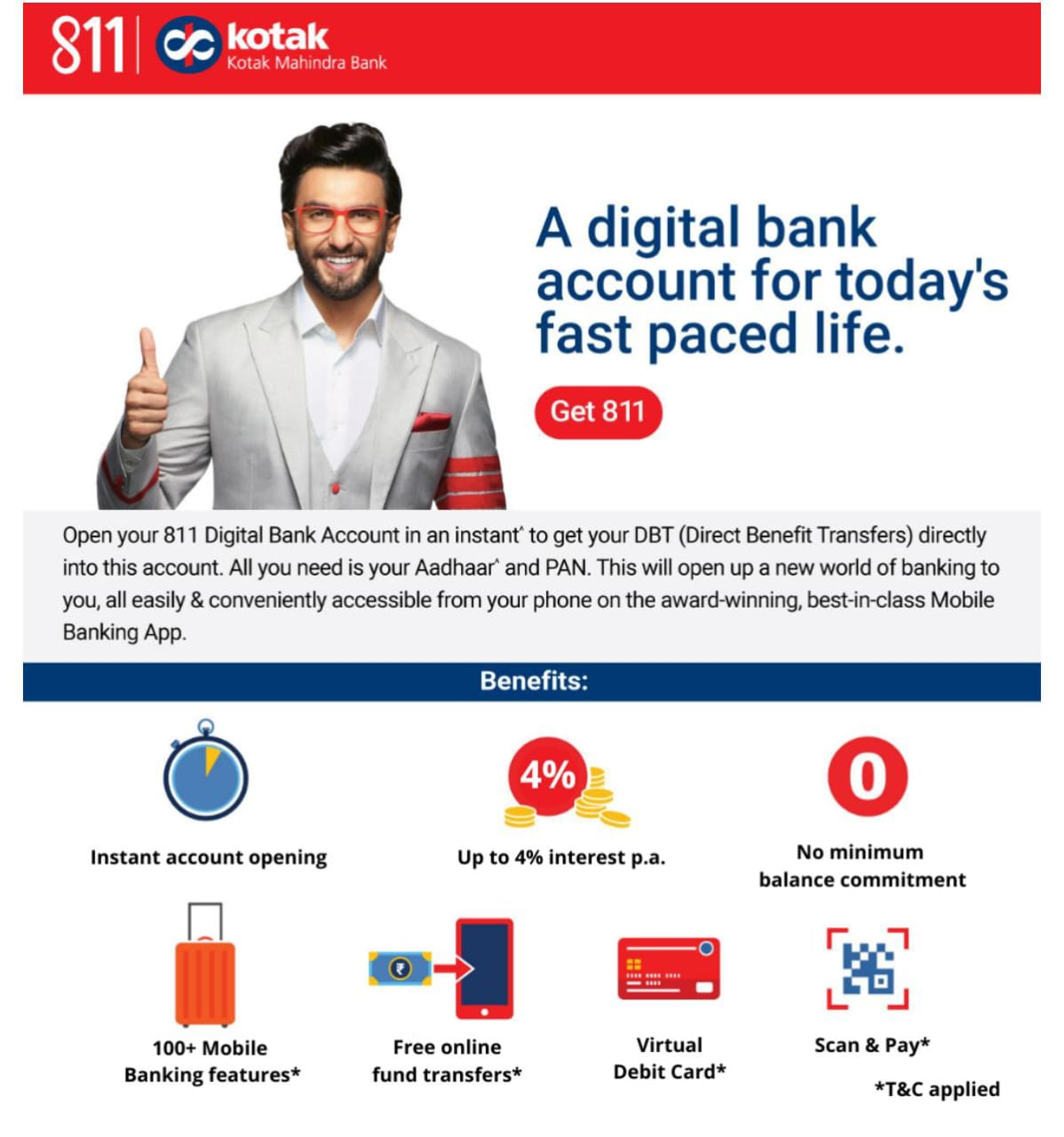
Zero balance savings account
Eam up to 4% interest per annum
Free virtual debit card with offers
100% digital banking with online support
Get up to ₹6000 cashback on debit card spends
No maintenance fees
kotak
Whom to sell?
1. Individuals of age 18+ years
2. Resident Indian only
3. New customers only
4. Customers with Valid Aadhaar & PAN cards. Details should match in Aadhar and PAN, otherwise not eligible for Digital account opening.
5. Mobile number should be registered with PAN and Aadhaar.
How it works?
1. 24/7 support
2. Ask the customer to click on apply now to download the Kotak App and complete Kotak 811 savings account opening process
3. Enter name, email id & phone number
4. Add PAN & Aadhaar details. Provide consent to authenticate via aadhar and agree to terms & conditions
5. Enter OTP sent to mobile number linked with Aadhaar
6. Enter personal details like occupation, source of income, yearly income, marital status etc. and click on 'Next'
7. Confirm communication address fetched from Aadhaar card. You can fill a new address for full KYC OR select the same address as communication address
In case address is not serviceable.
8. Add nominee (optional step). We recommend customers to add a nominee to their account
9. Read & confirm all self declarations
10. The customer will see two account options on the screen and can choose either one:
.1 Kotak 811 Savings Account-Requires an initial deposit of ₹2,000
.2 Kotak Super Savings Account-Requires an initial deposit of ₹10,000
11. Setup 6 digit MPIN
12. Virtual debit card gets generated (note that process is not completed yet). Some customers might get option to get a credit card against a fixed deposit, click on 'Skip' or 'Claim card'
13. Click on 'Complete Full KYC'
14. Upload PAN card copy, selfie and signature photo. Accept terms and conditions.
15. Allow location access
16. Video KYC:
- Keep original PAN, blank paper & pen handy to complete video KYC
- Allow permissions for microphone & video
- Answer questions asked by the bank executive correctly (customer to answer on their own without any prompting)
17. User to get account opening email from Kotak
18. Your income will get credited in your linked bank account during the payout cycle.
Terms & Conditions
Limited Time Offer
Earn up to 250
DON'TS X
No false promises (loan/credit card).
Don't use your phone/laptop for customers,
Don't log in to customer account on your device.
Avoid PAN-Aadhaar mismatch.
No multiple accounts from same device/ID
Ensure no background noise during video KYC.
No cash or incentives for account opening.